Gobierno de España. Ministerio para la Transición Ecológica y el Reto Demográfico.
Interactions
Licenses
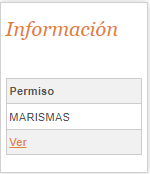
Clicking on the surface of a license will highlight it by making its outline thicker and a panel will appear to the right of the viewer with the license name and a View link, which leads to the license detail page.
Wells
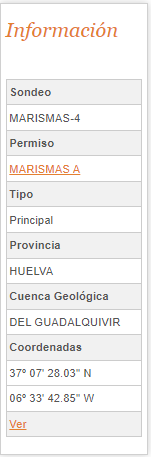
When you click on a well, it will be highlighted, enlarged and a panel will appear to the right of the viewer with information about the well with a View link, which takes you to the detail page for the well.
Seismic Lines
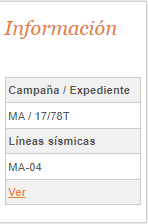
When you click on a seismic line, it will be highlighted changing color to dark blue, and a panel will appear to the right of the viewer with information about the line and a View link, which leads to the seismic lines tab within the page of the seismic survey to which the line belongs. If the seismic survey to which the line belongs is confidential, the Information panel will only show the message that the seismic survey is confidential.