Gobierno de España. Ministerio para la Transición Ecológica y el Reto Demográfico.
6.2. Requests done
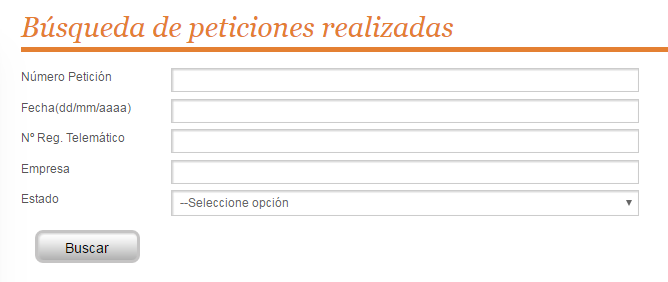
In the done requests search form the user can select several filters to narrow the search: Number of request, date of request, tel. register number, company, and state. Once desired filters are selected you will click on "Search" button to execute the consultation.
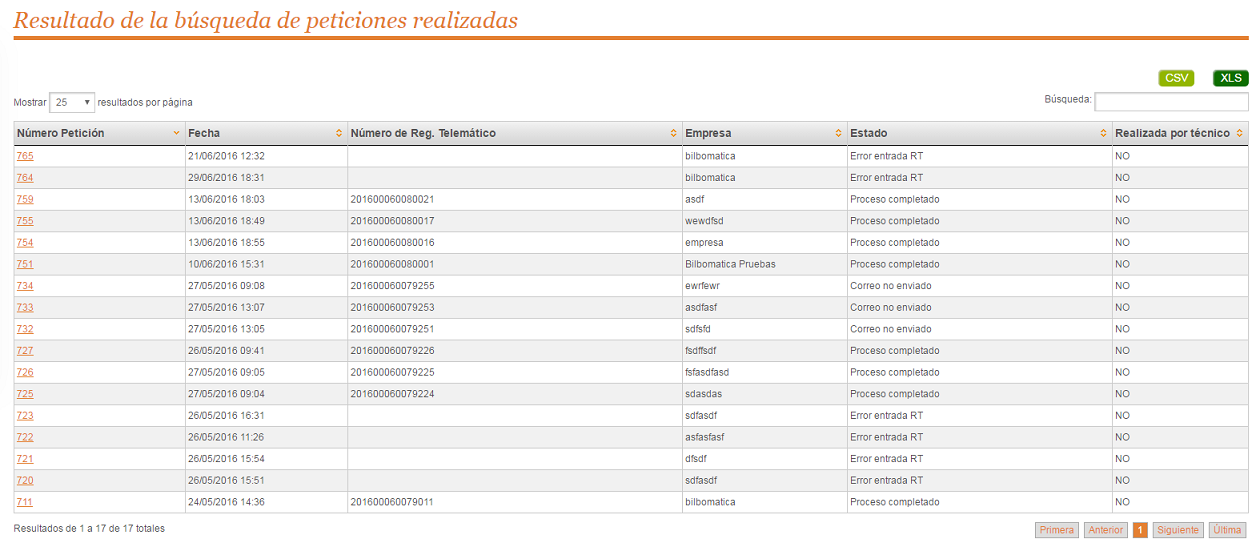
Once search is executed, if it's not empty , it will be show in a table. This table has one row for each done request and it will show: number of request, date of request, number of telematic register, company, and request state.
At the top part of the table, you can select the number of results to show per page, and search on any column. While at the bottom part of the table, there is a paging control which allows to move into the multiple results.
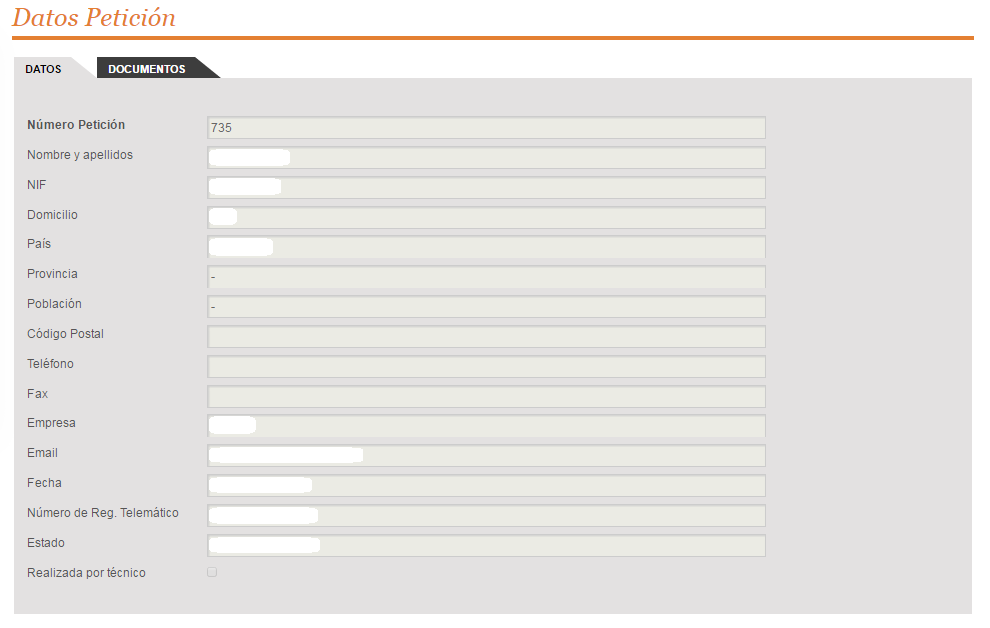
Clicking on the desired request's number, the user can access the request data and list of documents.
In the request detail, the user can export the list of selected documents to an xls file, clicking on the Excell button, in the upper right corner of the screen.