Gobierno de España. Ministerio para la Transición Ecológica y el Reto Demográfico.
6.1.1. Save requests
Logged users can save documents requests and edit saved requests.
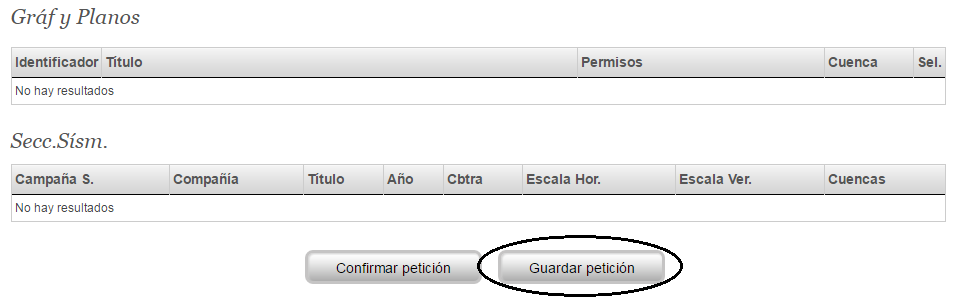
To save a request, click on "Selected document list" on the top right corner of the screen. A list with all the selected documents will appear, and bellow it, the buttons "Confirm request" and "Save request".
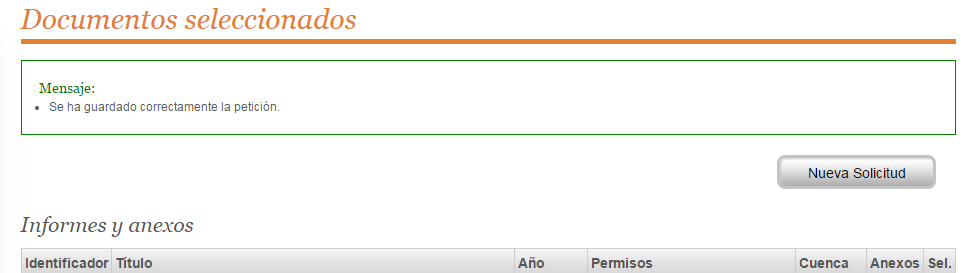
Clicking on "Save request", it will be stored, and can be accessed and edited again by the user who saved it going to "My Requests", "Saved".