Gobierno de España. Ministerio para la Transición Ecológica y el Reto Demográfico.
9.2. Modification
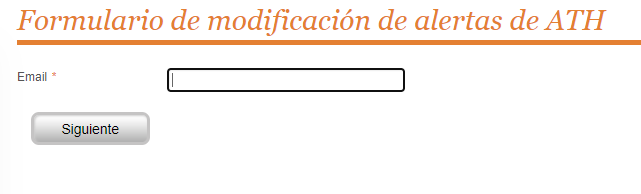
When clicking on the Modification menu option within alerts, the alert modification form will be displayed.
In order to continue with the alert modification, you must enter an email address linked to an active alert and press the Next button.
If an email is entered that is not linked to an active alert, the following error will appear.
If the email entered belongs to an active alert, you can continue with the modification process. From this step, the modification process is the same as for the alert subscription process, with the exception that it is not necessary to enter the security code from step 4. You have to select the licenses to subscribe to to receive alerts. See steps 2 and 3 of the Alert Subscription process.